

Microsoft has released the August 2026 Patch Tuesday update for Windows 10, with KB5120249 now available for version 22H2 devices enrolled in the Extended Security Updates program. The update focuses on security and reliability rather than new features, as Windows 10 remains in extended support.
The cumulative update brings affected systems to Build 19045.7663. Microsoft has also published an offline installer through the Microsoft Update Catalog, although installing the package still requires an eligible ESU license.The
August update includes several packages
KB5120249 is being distributed alongside several other updates for Windows 10. These include a .NET Framework update, a Microsoft Defender Antivirus security intelligence update, the Malicious Software Removal Tool and a Windows Recovery Environment update.
The main packages released for Windows 10 22H2 include:
- KB5120249, the August cumulative update
- KB5121647, the .NET Framework 3.5, 4.8 and 4.8.1 update
- KB5120221, the Windows Recovery Environment update
- KB2267602, the Microsoft Defender Antivirus security intelligence update
- KB890830, the latest Malicious Software Removal Tool
Microsoft is urging eligible users to install the updates, particularly because the August security release addresses a large number of vulnerabilities across supported products.
For most users, Microsoft recommends installing the update through Settings > Update & Security > Windows Update rather than manually downloading the larger offline package.
No major visual changes are expected
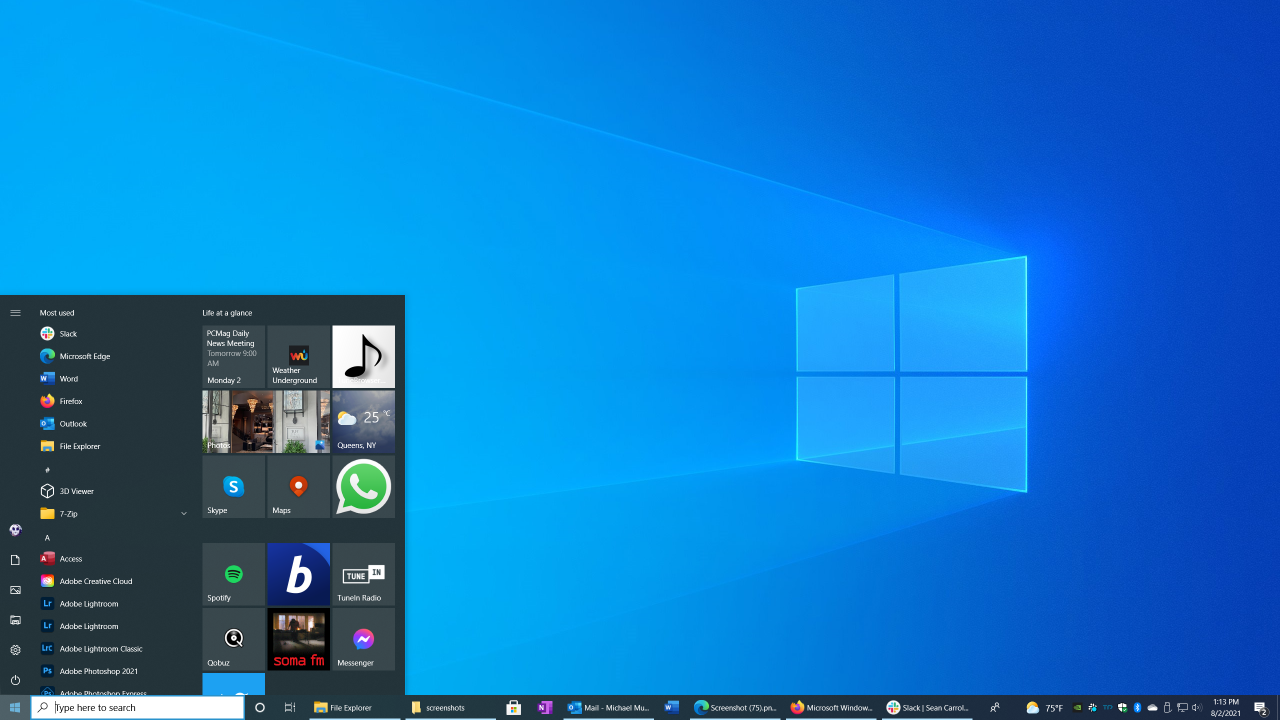
Windows 10 Build 19045.7663 does not introduce a redesigned interface or new consumer features. The operating system is now focused primarily on security and maintenance while Microsoft continues its transition toward Windows 11.
One change that may appear separately is the new OneDrive Photos application. Microsoft has been distributing the app through the OneDrive synchronization client, so its appearance on a Windows 10 PC is not directly connected to KB5120249.
Microsoft has also said that the OneDrive Photos app will eventually be removable as a standalone application.
Enterprise backup issue receives a fix
The August update addresses a backup problem affecting enterprise environments using Server Message Block connections.
Microsoft previously identified an issue where File History automatic backups could fail with an invalid credentials error when SMB was involved. The problem could prevent scheduled backups from copying files correctly.
KB5120249 resolves that issue for affected Windows 10 systems.
Secure Boot certificate rollout expands
Another important part of Microsoft’s ongoing security work involves Secure Boot certificates.
The company is gradually deploying updated Secure Boot certificates to supported PCs through Windows Update. The rollout is being expanded to additional systems as Microsoft gains confidence in the compatibility of the new certificates.
Users can check the status by opening Windows Security and navigating to Device Security and Secure Boot.
Most compatible systems should eventually show that Secure Boot is fully updated. Some older machines may instead display a warning if firmware or hardware limitations prevent the certificate update from being applied.
Secure Boot can also be disabled on some older computers, which may contribute to those systems being unable to meet Windows 11 upgrade requirements.
Windows 10 LTSC users face another deadline
Microsoft is also reminding organizations that Windows 10 Enterprise LTSC 2021 reaches the end of its support period on January 27, 2027.
Businesses continuing to use the edition after that date will need to move to another supported option. Microsoft recommends Windows 11 Enterprise LTSC 2024, while Windows 10 IoT Enterprise LTSC remains another option for organizations that require longer-term Windows 10 support.
Microsoft is expected to continue providing security updates to eligible Windows 10 systems through the ESU program, but organizations using enterprise editions should review their licensing and support requirements before the January deadline.
For regular Windows 10 Home and Pro users, Extended Security Updates remain available beyond the standard end of support, giving compatible PCs additional time to transition to a newer version of Windows.
Overall, KB5120249 is a maintenance-focused release. Windows 10 users should not expect noticeable changes to the desktop, but the security fixes, backup correction and continued Secure Boot certificate rollout make the August update important for supported machines.